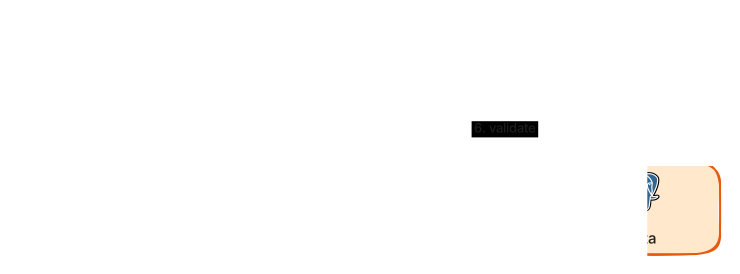
Zero Trust Access diagram template
Every request is authenticated, authorised and inspected, with no trusted network.
About this design
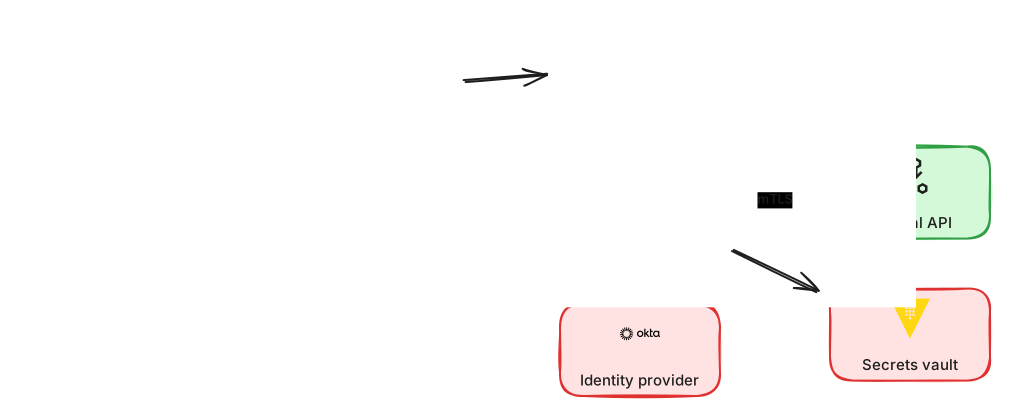
Zero trust drops the idea that anything inside the office network or VPC is safe. Every request, from a person or a service, must prove who it is and be authorised for exactly what it is asking. In this template users reach internal applications only through an identity-aware proxy, which checks the identity provider, enforces multi-factor authentication and evaluates device posture before forwarding. Service to service calls use mutual TLS with short-lived certificates issued by an internal authority, and a policy engine decides which service may call which. Secrets live in a vault rather than in configuration, and every decision is logged for audit. Use the diagram to discuss migrating from a flat network step by step, the operational cost of certificate rotation, least-privilege policies, and how to keep developers productive under tighter rules.
Diagram as text
This is the source of the diagram, in the ArchBoard diagram DSL. Paste it into Tools, Diagram from text to rebuild or change it.
title "Zero trust access"
direction LR
user "Employee" -> proxy envoy "Identity-aware proxy" -> auth okta "Identity provider"
identity-aware-proxy -> service app "Internal app"
app -[mTLS]-> microservice api "Internal API"
app -> vault "Secrets vault"
identity-aware-proxy -> monitor datadog "Audit logs"