CI/CD Pipeline diagram template
Build, test, scan and deploy containers from a pull request all the way to Kubernetes.

About this design
A good pipeline makes the safe path the easy one. A push or pull request triggers continuous integration: the runner installs dependencies, runs unit tests, lints, and scans for vulnerable packages and leaked secrets. On the main branch it builds a container image, tags it with the commit hash and pushes it to a registry. Continuous delivery then updates a Kubernetes deployment, either by applying manifests or by committing the new image tag to a repository that a GitOps controller reconciles, and runs smoke tests before declaring success. Secrets come from a vault, not from the pipeline's variables. This template is useful for discussing how long a pipeline is allowed to take, caching to keep it fast, promotion between staging and production, protected branches, and how a rollback is performed when a bad build reaches users.
Diagram as text
This is the source of the diagram, in the ArchBoard diagram DSL. Paste it into Tools, Diagram from text to rebuild or change it.
title "CI/CD pipeline"
direction LR
client "Developer" -> ci github "GitHub Actions" -> container docker "Image build"
image-build -> storage s3 "Container registry"
github-actions -> vault "Secrets"
container-registry -> pod k8s "Kubernetes"
github-actions -[smoke tests]-> kubernetes
More devops templates
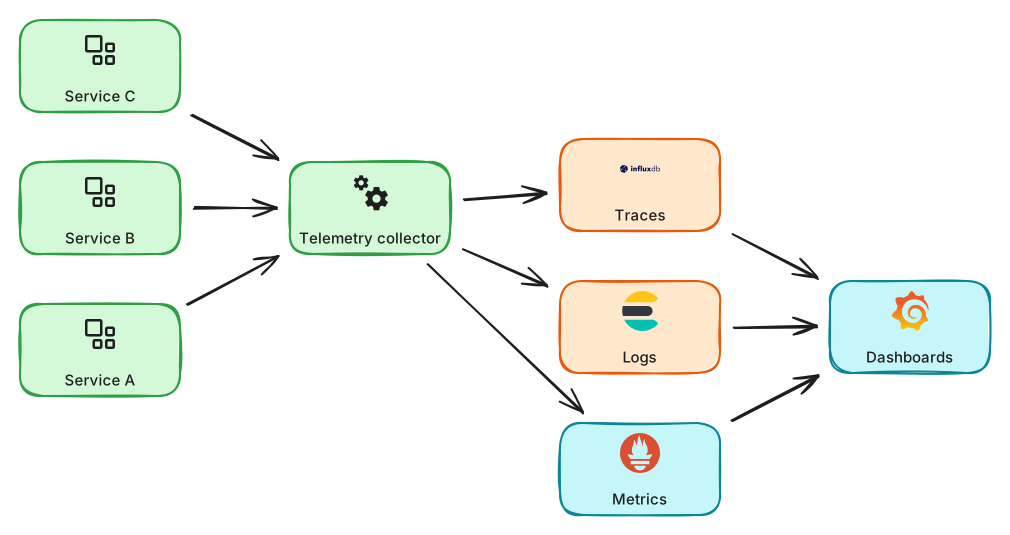
Observability Stack
Metrics, logs and traces collected from services into dashboards and alerts.
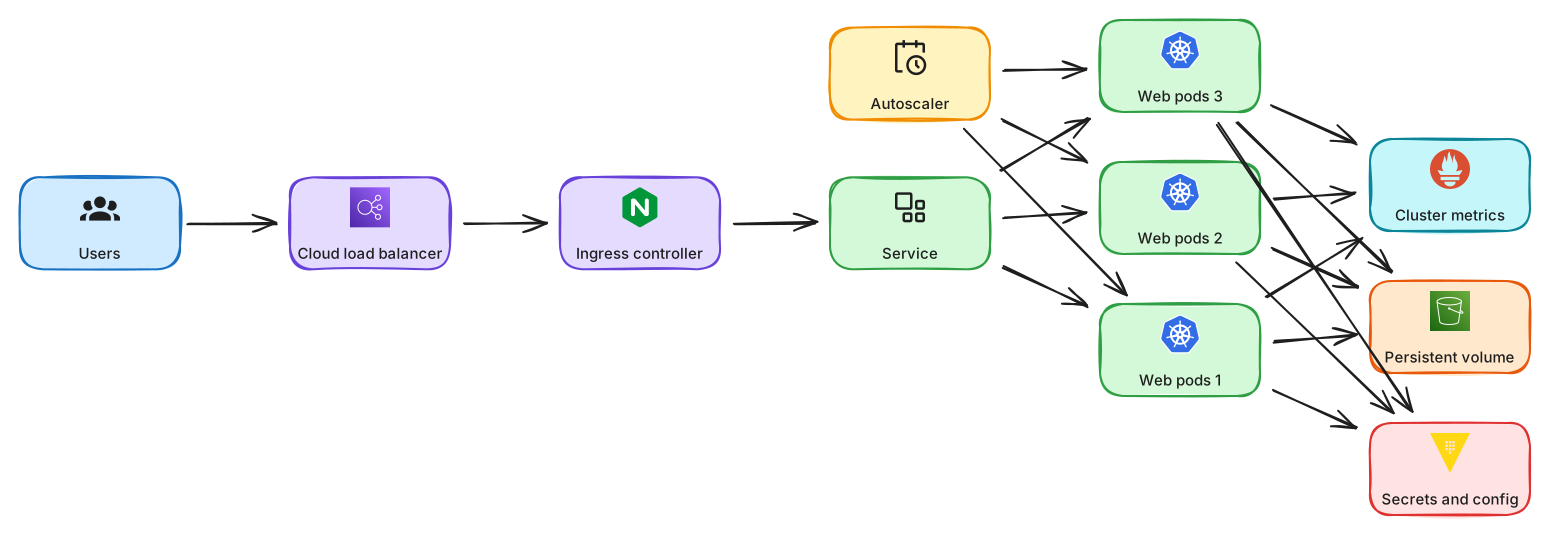
Kubernetes Cluster with Ingress
Ingress, services, pods, config and persistent storage inside a Kubernetes cluster.
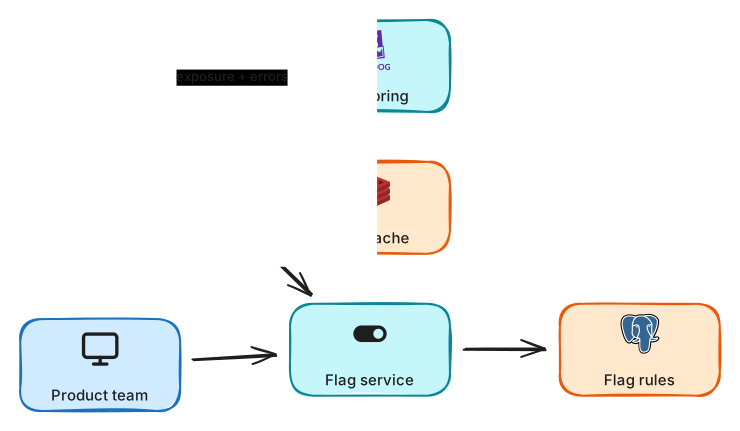
Feature Flag Rollout
Decouple deploy from release with flags, percentage rollouts and a kill switch.